Snap
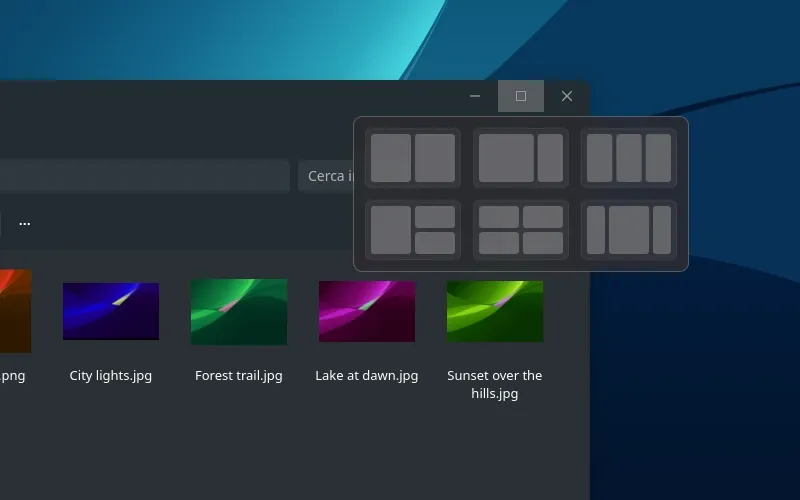
Halves, quarters, and six layouts.
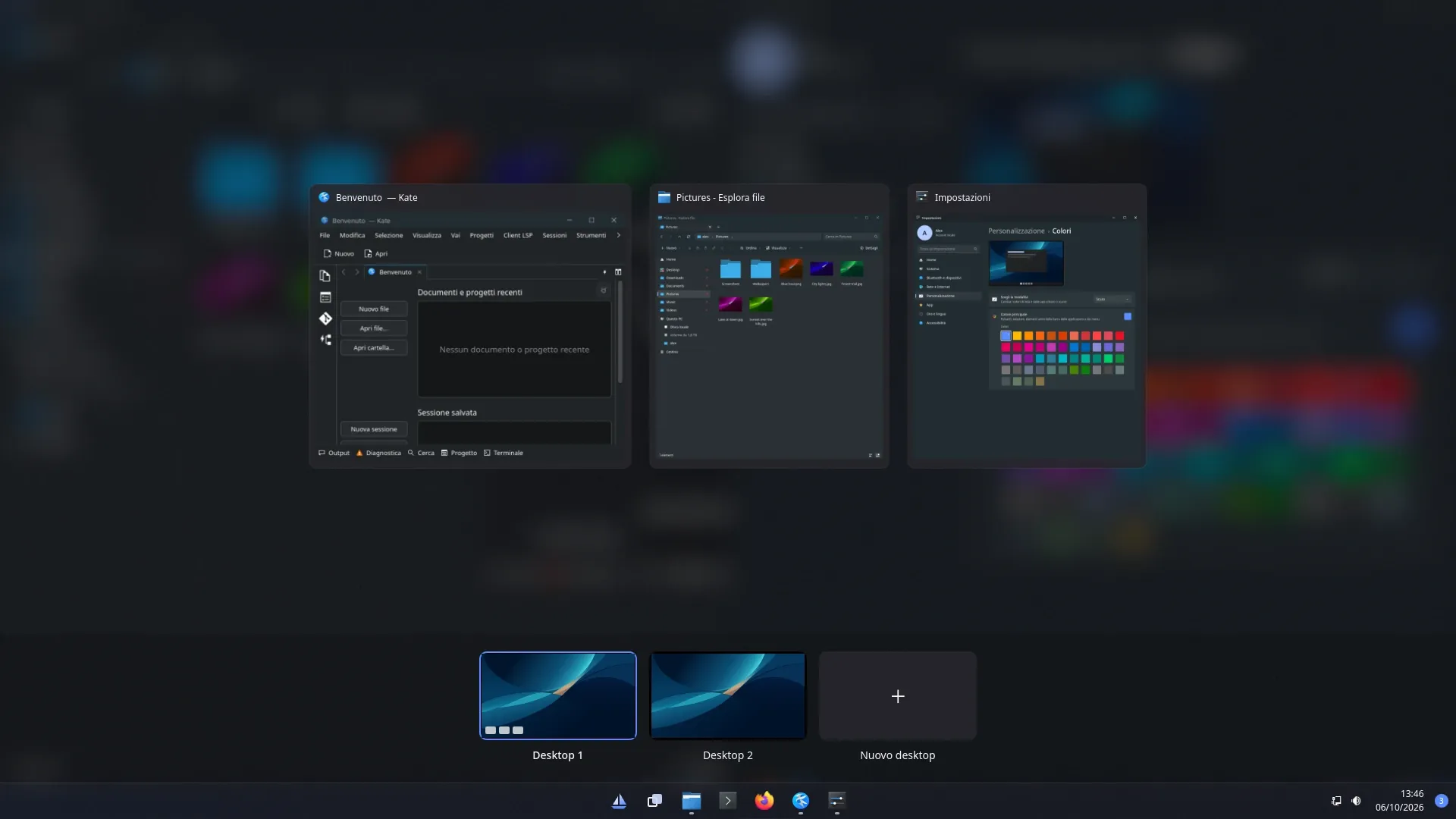
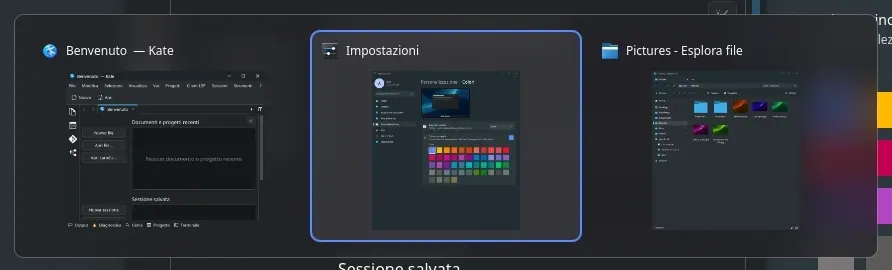
Drag a window to an edge or a corner, use Super + arrows, or hover the maximize button — Super Z from the keyboard. Snap Assist offers your other windows for the empty space, and windows arranged together form a snap group that the taskbar shows and restores as one.